

What this screen is for
Section titled “What this screen is for”What the business owns, what it cost and what is left of it.
Where it is on the menu
Section titled “Where it is on the menu”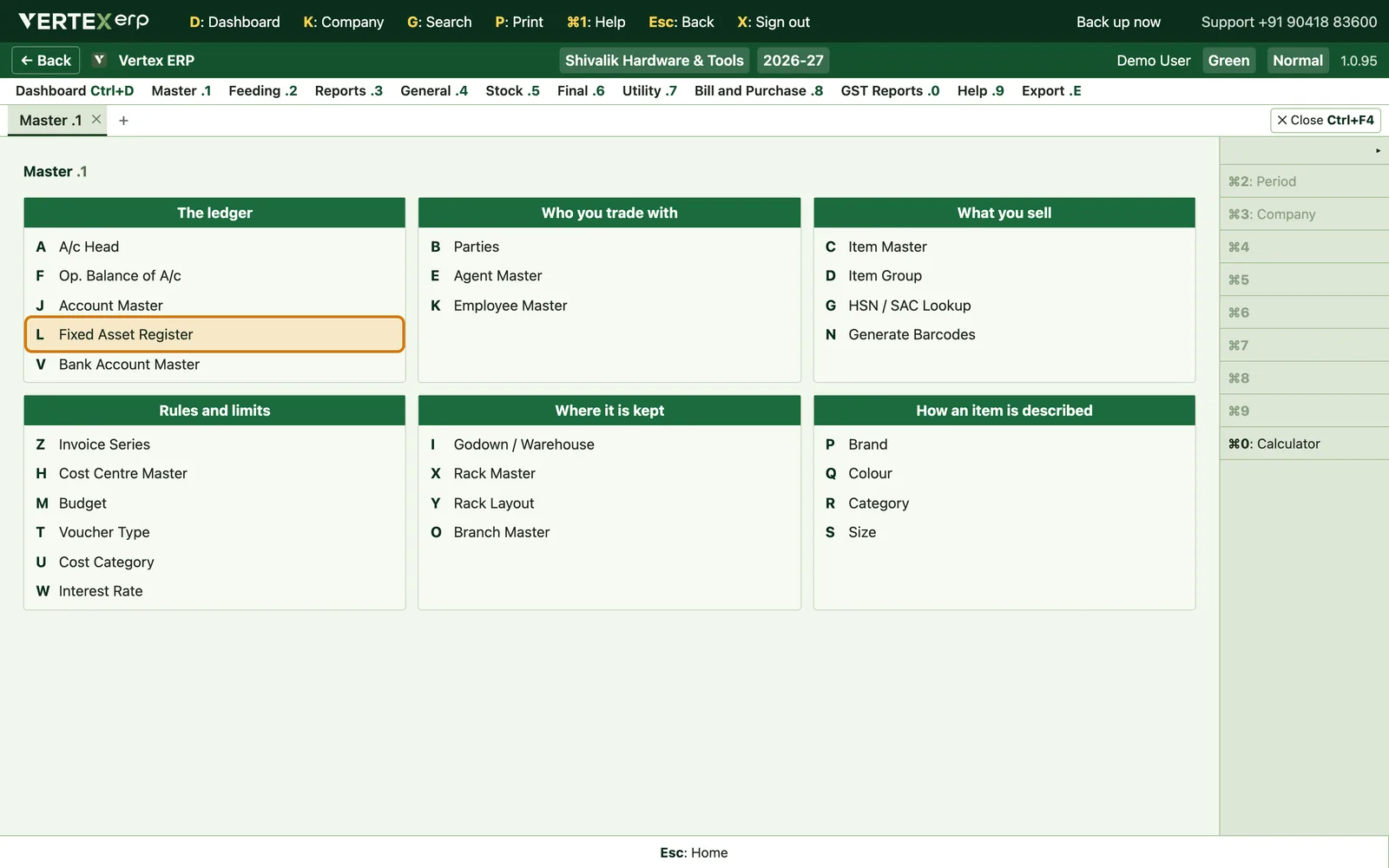
What it looks like
Section titled “What it looks like”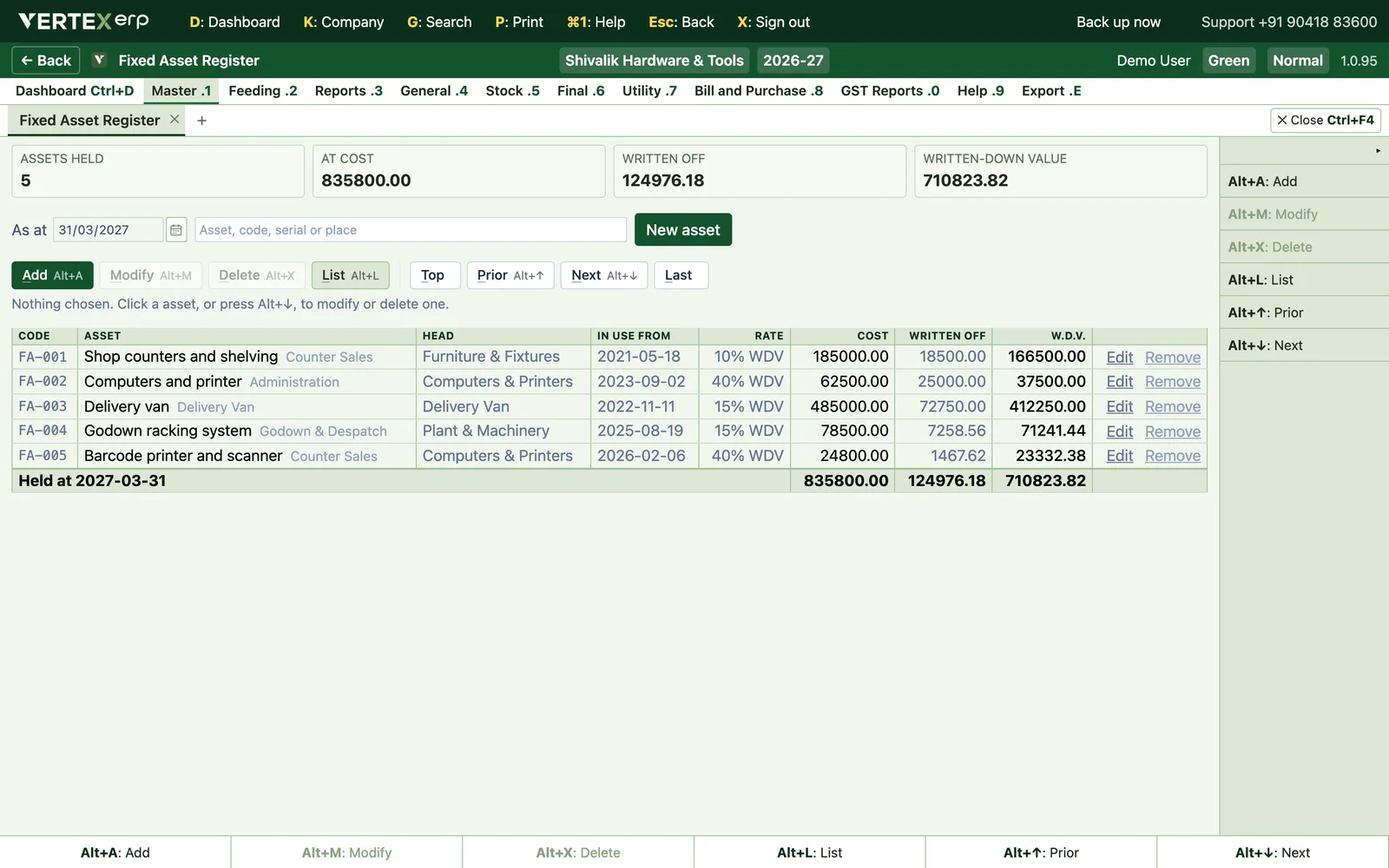
At a glance
Section titled “At a glance”| Menu | Master (1) |
| Key | 1→L |
| Grouped under | The ledger |
| Other names for it | fixed asset, asset, register, depreciation, machinery, plant, vehicle, furniture, wdv, written down value, block of assets |
Getting around this screen
Section titled “Getting around this screen”Every screen in Vertex ERP answers to the same keys, so what you learn on one works on all of them.
| Key | What it does |
|---|---|
| A | Add a new record |
| M | Modify the one you are standing on |
| D | Delete it — it asks first |
| L | List everything |
| Esc | Go back to where you came from |
The full list is inside the software on 9→D Keyboard Shortcuts, and it is built from the software itself — so it can never offer you a key that does not work.