

What this screen is for
Section titled “What this screen is for”Every ledger, grouped as a balance sheet reads.
Where it is on the menu
Section titled “Where it is on the menu”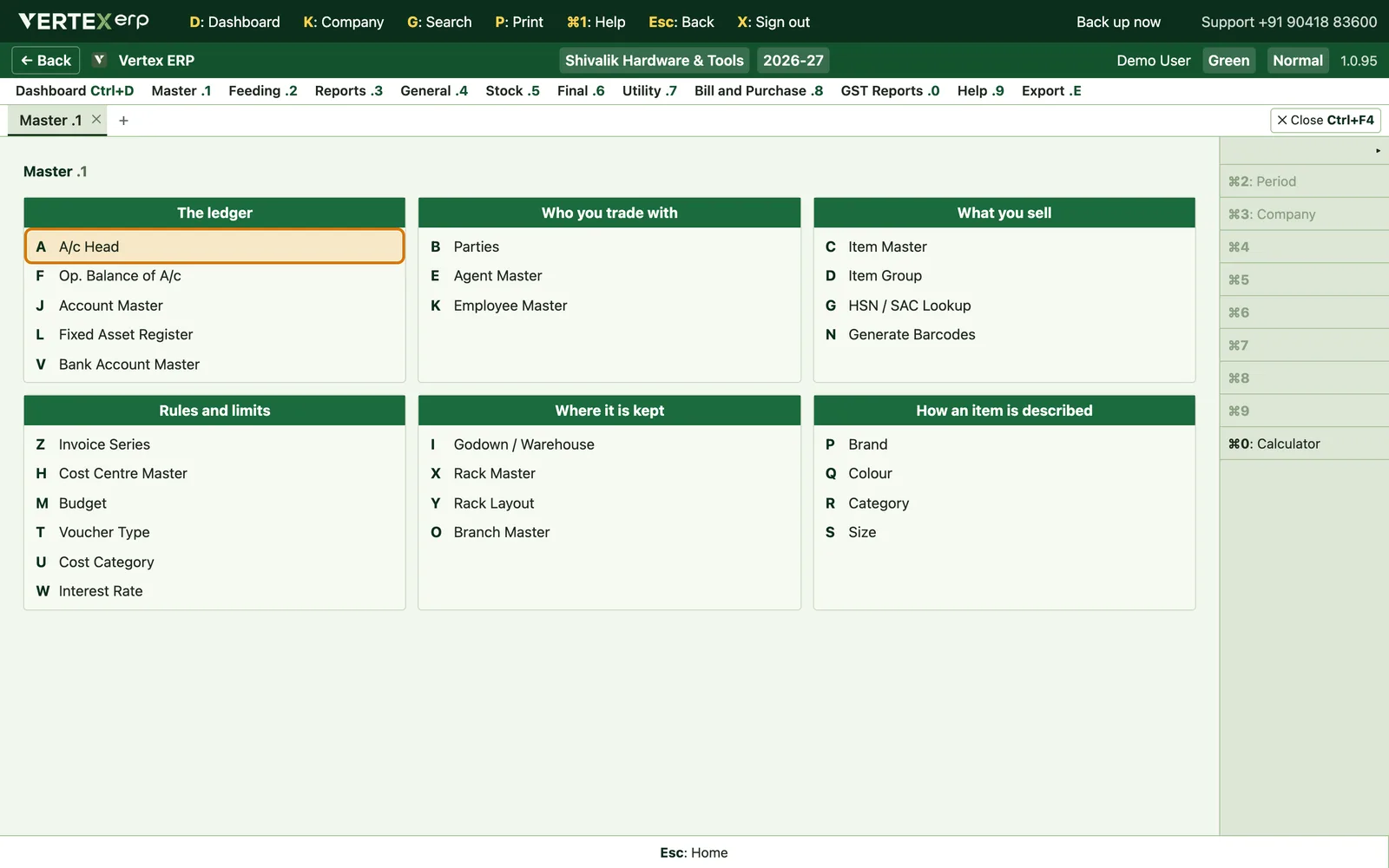
What it looks like
Section titled “What it looks like”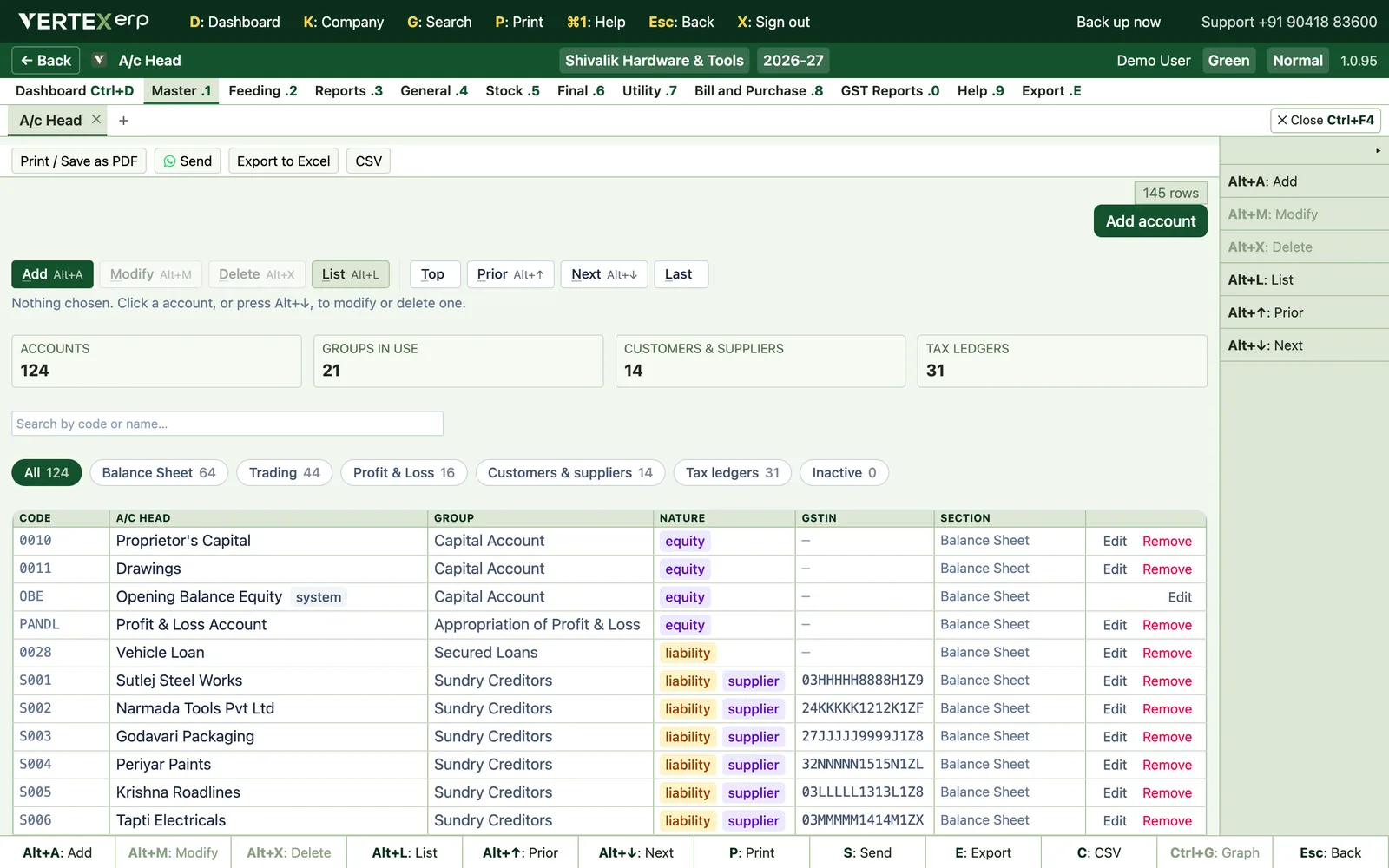
At a glance
Section titled “At a glance”| Menu | Master (1) |
| Key | 1→A |
| Grouped under | The ledger |
| Other names for it | ledger, a/c master, account, chart of accounts |
Getting around this screen
Section titled “Getting around this screen”Every screen in Vertex ERP answers to the same keys, so what you learn on one works on all of them.
| Key | What it does |
|---|---|
| A | Add a new record |
| M | Modify the one you are standing on |
| D | Delete it — it asks first |
| L | List everything |
| Esc | Go back to where you came from |
The full list is inside the software on 9→D Keyboard Shortcuts, and it is built from the software itself — so it can never offer you a key that does not work.